From Spreadsheet to AI Register in 2 Minutes

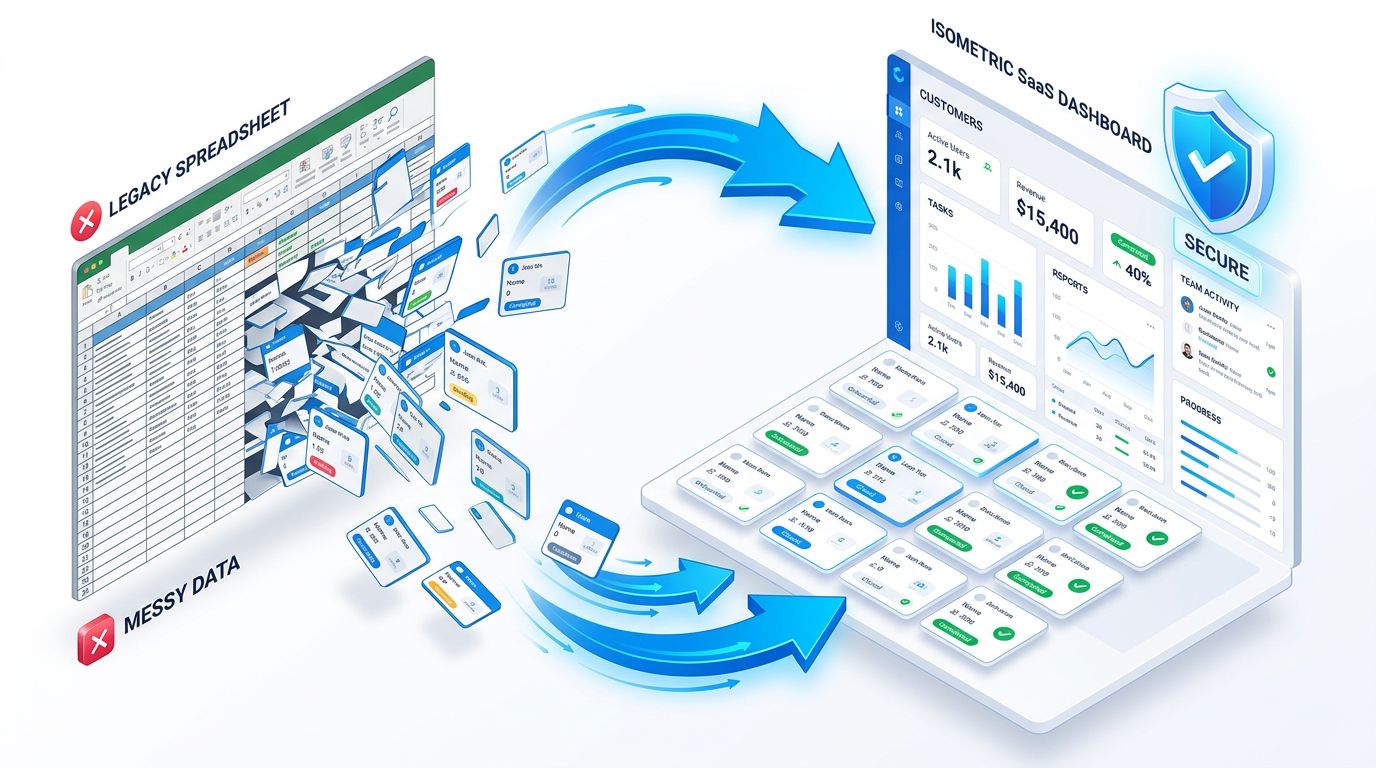
From Spreadsheet to AI Register in 2 Minutes
Meta-Description: Step-by-step: How to migrate your AI register from Excel or the ISMS-Ratgeber template to AI-Casefile — with automatic column detection and AI classification.
Target audience: Companies already maintaining an AI register as a spreadsheet and hitting its limits
You Already Have an AI Register. Good.
If you're reading this, you're ahead of most companies. You've set up a spreadsheet — maybe the ISMS-Ratgeber template, maybe your own Excel file — and documented your AI tools.
That's a good first step. But you've probably also noticed:
- Nobody updates the spreadsheet
- Risk classifications are guessed, not verified
- New AI tools get adopted without being documented
- Your DPO asks for GDPR details the spreadsheet doesn't have
- A customer sends a vendor questionnaire — and you need a PDF
The solution isn't maintaining the spreadsheet better. It's migrating it.
How the Migration Works
Step 1: Export as CSV (30 seconds)
Open your existing spreadsheet in Excel, Google Sheets, or LibreOffice and save it as a CSV file. Done.
If you're using the ISMS-Ratgeber template, export it exactly as-is — AI-Casefile recognizes the format automatically.
Step 2: Upload CSV to AI-Casefile (30 seconds)
Sign up for AI-Casefile (14 days free, no credit card). Go to "Use Cases" and click "Import CSV". Select your file.
If you're using the ISMS-Ratgeber template, a banner appears automatically:
"ISMS-Ratgeber template detected — columns mapped automatically."
All 15 columns are mapped to the right fields:
| Your Column | → AI-Casefile Field |
|---|---|
| Bezeichnung des KI-Systems | Title |
| Zweck und Einsatzbereich | Business Purpose |
| Hersteller/Anbieter | Vendor |
| Technische Beschreibung | Description |
| Personenbezug der Daten | Personal Data (Yes/No) |
| Status (Betrieb/Pilot) | Status (Approved/Draft/Archived) |
| Verantwortliche Person/Abteilung | Department |
Columns without a direct field mapping (Schnittstellen, Transparenzmaßnahmen, IT-Sicherheit, Anmerkungen) are preserved in the description field under "Imported notes" — nothing is lost.
Step 3: Review Preview and Import (30 seconds)
Check the preview. All entries are imported as drafts, ready for review. Click "Import".
Step 4: Run AI Classification (30 seconds)
After import, AI-Casefile asks:
"12 use cases imported. Run AI risk classification on all?"
One click — and AI-Casefile classifies each use case automatically per the EU AI Act. With reasoning and EUR-Lex references.
Your spreadsheet had a text field for risk category. AI-Casefile verifies it with AI.
What You Get Afterwards
| Before (Spreadsheet) | After (AI-Casefile) |
|---|---|
| 15 columns, manually maintained | Structured register with workflow |
| Risk category: text field | AI-verified classification with reasoning |
| No approval process | Submit → Review → Approve |
| No audit trail | Complete history of every change |
| Missing GDPR fields | Art. 30: legal basis, recipients, measures |
| No export | One-click PDF for auditors |
| No reminders | Automatic review cycles |
Common Migration Questions
Will I lose any data during migration? No. All 15 columns of the ISMS-Ratgeber template are imported. Columns without a direct field are preserved in the description text.
Do I need to clean up the spreadsheet first? No. Import it as-is. You can edit and enhance entries in AI-Casefile afterwards.
What happens to my existing risk classification? It's shown in the preview but not carried over. AI-Casefile creates a new, AI-verified classification. That's not a downside — it's the reason for migrating.
Does this work with other spreadsheet formats? Yes. AI-Casefile auto-detects the ISMS-Ratgeber template, but you can also import any CSV file and map columns manually.
What does the migration cost? Nothing extra. CSV import is included in all plans. The 14-day trial is free, no credit card required.
Done in 2 Minutes
The migration takes less time than reading this article. Your existing documentation is preserved — it just gets better.
Start your 14-day free trial — import your existing register